


AI is no longer a text-only helper; it can handle a lot of other tasks more easily and save you a lot of time and effort. It is pretty difficult to say who needs AI most because there is hardly a person who does not use AI tools daily. From everyday duties and student tasks to medical support, we can find an AI assistant for any field. Of course, this industry is constantly developing, granting us access to more types of help on a daily basis, and we can’t even know what kind of AI assistance we will be able to get in another ten years.
Some users believe that AI can only come in handy for finding information and creating texts, but many spheres, like marketing, content, design, and a lot of others, use AI tools for their professional purposes as well. In this article, we will take a look at some of the most popular AI tools that you can benefit from in your personal and professional life today.
What is multimodal AI?
Multimodal AI is a system that can process various types of media such as text, images, audio, and documents. Usually, it can handle them all within a single workflow. If you are working with different data formats, such a tool can become a speedy assistant that will save you time and effort. These tools can easily understand contexts across multiple formats, so you can extract insights from PDFs, edit images based on text prompts, or generate audio files in a few simple clicks.
Even though such assistance is considered capable of offering faster task completion, fewer manual conversions between file types, and more flexible problem-solving, it is still crucial to know what tools to use, how to use them properly, and what to pay attention to when choosing an AI helper. Of course, you want reliable and secure assistance, and in this article, we will not only introduce you to modern tools to tackle your tasks effectively but also provide you with some tips to get the most out of such cooperation.
Best AIs for image comprehension
Did you know that if you have a screenshot of a text document, even your iPhone can provide you with the content inside the picture, getting you a text file in a few clicks? Well, AI has moved this feature to a new level; you can provide it with an image and get various insights that can help you process the material much faster. So, what are the most popular image readers today that you can use for free?
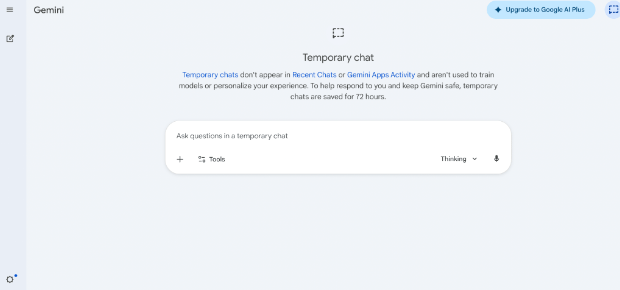
Google Gemini 3
This is a powerful multimodal AI that understands text, images, and video together. It can read screenshots, interpret diagrams, and analyze complex visuals in context in a few moments. It is widely used for all-in-one workflows where documents, images, and reasoning need to be combined.
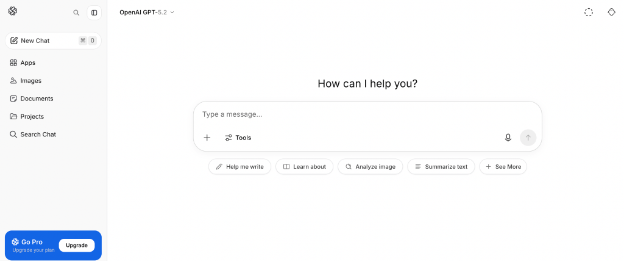
GPT-5.2
This is a popular and strong visual reasoning model designed to interpret charts, UI layouts, and structured documents. It goes beyond simple image description by explaining relationships and meaning inside visuals. It performs well in tasks that require deep analysis and multi-step reasoning based on images.
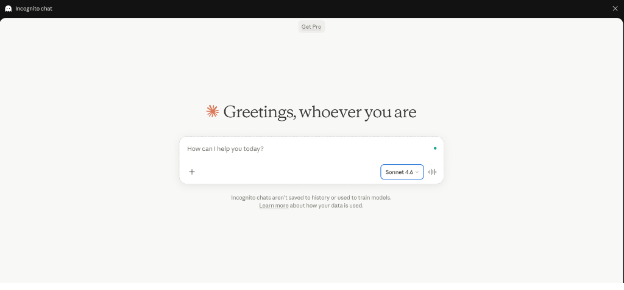
Claude
This tool is the best for working with long or complex documents where precision matters. You can upload PDFs, dashboards, or multi-page reports and ask it to extract key sections, explain specific parts clearly, or break down structured information step by step.
Why you may need it
If you are wondering what types of assistance these tools can cover, here is a list of what you can entrust them with.
- Extracting text from images
- Converting screenshots into structured doc files
- Summarizing visual content
- Translating text
- Explaining graphs
- Breaking down complex diagrams
- Analyzing screenshots
- Extracting data from tables
- Interpreting handwritten notes
- Generating image descriptions
- Getting ideas for improvements
- Identifying objects
Best models for voice and audio workflows
Today, time management is what we care about most. Tons of daily tasks make us seek ways to consume information faster and more effectively. Listening to an audio presentation, you may get the main ideas, but if you need to work with the material in the future, you may need the information written in front of you. So, an AI tool that can help you convert audio into text can be of much use. Take a look at these AI platforms that can help you easily get a script out of an audio file, as well as create voiceovers for your videos without effort.
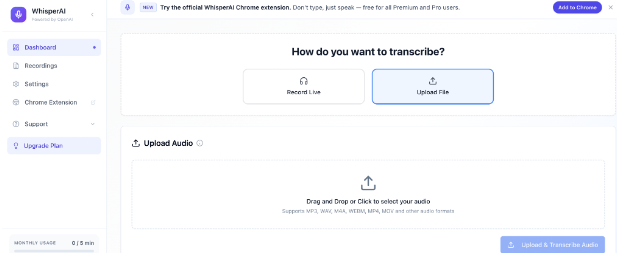
OpenAI Whisper
This is a user-friendly speech-to-text model that converts audio into accurate written transcripts, even with accents, noise, or multiple languages. It can be useful for transcribing meetings, lectures, and interviews.
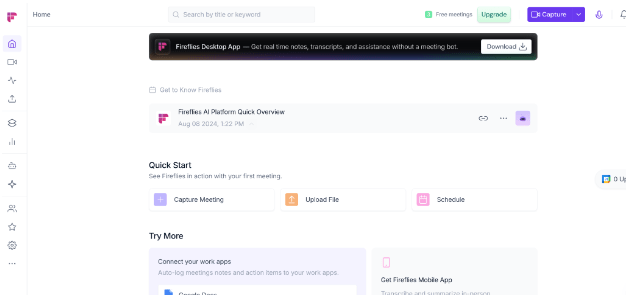
Fireflies.ai
This AI meeting assistant can automatically record, transcribe, and summarize different calls, highlighting key points and action items so you don’t need to take notes manually.
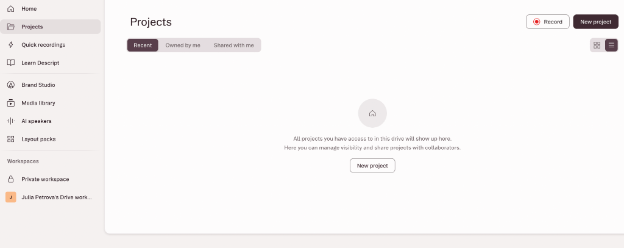
Descript
This is an editor where you can edit recordings like text; it lets you remove filler words, edit podcasts easily, and generate clean voice content faster.
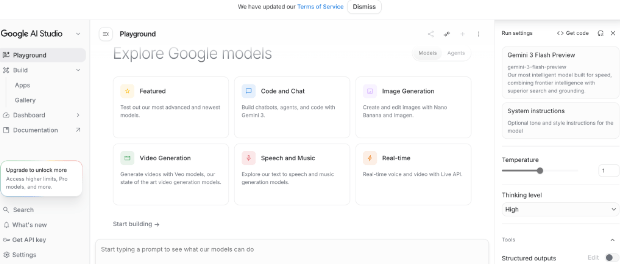
Google Gemini AI Studio
This is another powerful multimodal AI platform that can process audio alongside text and help you with the transcription, analysis, and understanding of spoken content in a broader context.
Why you may need it
Here are some issues that these tools can help you with. If you need to complete any of these tasks, feel free to sign up and enjoy any of these tools.
- Creating voiceovers for videos without recording your own voice
- Turning written text into audio for listening on the go
- Making content more accessible for people who prefer audio or have reading difficulties
- Speeding up content creation
- Testing how scripts sound before publishing or recording
- Listening to study materials instead of reading them
- Producing simple audio versions of presentations or posts
- Trying different voice styles for projects or ideas
- Improving language learning by hearing correct pronunciation
- Quickly reviewing long texts by converting them into speech
Best models for PDF analysis
Actually, PDFs are text files, but they still differ from Word documents, and not all tools can easily read them. Thus, if you work with PDFs, it is important to have an appropriate assistant who can help you manage files faster and more effectively. Here are some examples of AI helpers that you should definitely consider.
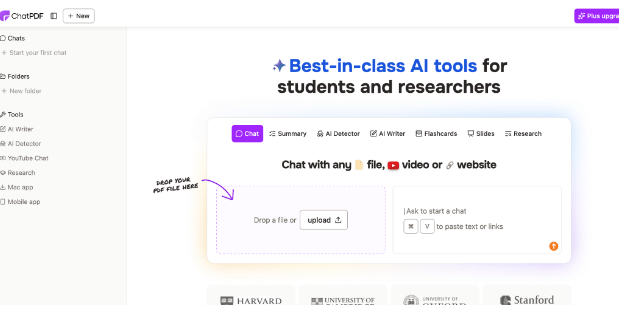
ChatPDF
You can upload a PDF and ask questions about its content.
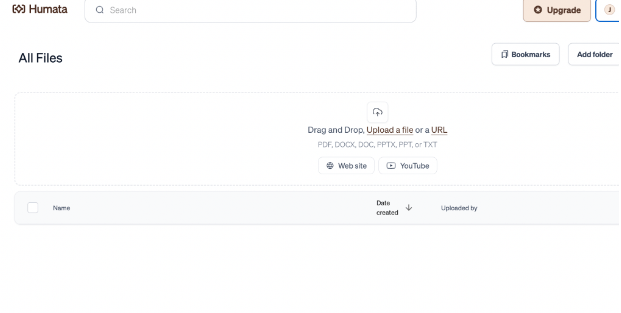
Humata AI
Scan academic PDFs and get detailed explanations and source-based answers.
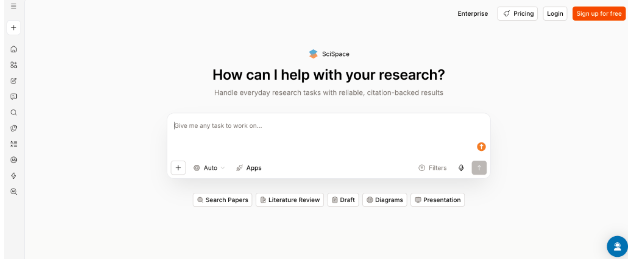
SciSpace Copilot
Use this tool in order to work with scientific papers with ease and get explanations of research, formulas, and academic language in simpler terms.
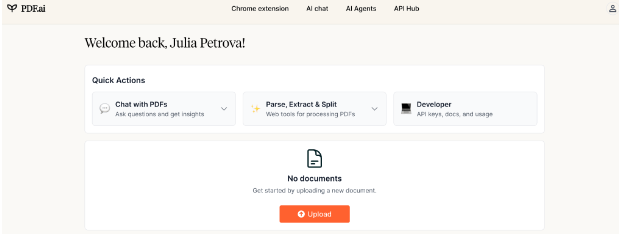
PDF.ai
Enjoy chat-based interaction with your PDFs in order to find answers, create summaries, and access specific information quickly.
Why you may need it
PDFs are a bit different from text files, and if you are constantly working with this type of document, here are some cases where you can find it useful.
- Summarizing long PDF documents into key points
- Finding specific answers
- Enjoying explanations of complex data in simple language
- Extracting important data
- Comparing multiple PDFs
- Locating quotes and references instantly
- Supporting homework or assignments based on PDF content
- Reducing time spent reading large documents
Best models for content teams and marketers
We consume information in different ways, and time management is often the main question that makes us choose between methods. Some people understand information better when they have a visual explanation in front of them, while others consume data better when they hear it, and this is why many people listen to audiobooks instead of reading. Of course, if we work with people and want them to order our services, products, etc, we have to hook them, and it is important to keep in mind how to catch them. Between two counterparts, a client is more likely to buy a product sold via video ad than via a long read. Today, people value their time above all else, and this is what makes them find alternatives that consider their time as well.
Thus, we have gathered a list of AI tools that modern marketing, content, and product management teams use to hook their audience and make their products stand out from the crowd. Of course, these tools are essential for both sides; your clients will get professional content in a way they are comfortable with, and you will have the opportunity to save a lot of time and effort on converting your ideas.
- ChatGPT. When your ideas feel messy or incomplete, this tool can help you shape them into clear marketing copy, blog drafts, or campaign messages in a matter of minutes.
- Jasper. This tool is especially useful when you’re handling multiple content channels at once; it helps keep everything consistent while producing large batches of ready-to-publish marketing text.
- Copy.ai. This is a great helper for moments when you just need quick, punchy text variations for ads or social media without spending time rewriting the same message again and again.
- Claude. This app works well when your writing feels too unclear; it helps reorganize and polish long texts so that they read smoothly and professionally.
- Surfer SEO. Unsure why your content isn’t reaching audiences? This tool can guide you toward better structure and keyword use based on what already ranks.
- HubSpot AI. This is very helpful when campaign management becomes too scattered. With this tool, you can bring automation to emails, personalization, and customer tracking so you don’t lose control of workflows.
- Canva AI. If design isn’t your strength but visuals are needed fast, this assistant can come in handy to help you turn simple ideas into clean graphics for posts, ads, and presentations.
- Notion AI. Apply this tool in order to turn your marketing plans, notes, and ideas into structured documents and organized workflows.
- Midjourney. This is ideal when stock images don’t fit your vision; it creates original visuals from text, giving you more creative freedom for campaigns and branding.
- Runway. It allows users to create and edit video content quickly without needing advanced editing skills.
Limitations and privacy concerns: what to pay attention to
Of course, nothing is perfect, and even though AI tools are useful and convenient, there are still a lot of obstacles and concerns that you have to be aware of in order to avoid falling into a trap of AI misuse, incurring penalties, or risking information leaks. So, if you want to find reliable AI helpers, make sure you know how to check their strength. Here is a list of the most common issues that inexperienced users often suffer from. Just browse them and learn to build a trustworthy cooperation with any AI assistant.
- Information and data sharing. Anything you upload (documents, images, voice files, etc.) may be stored or processed on external servers, so it is highly recommended that you avoid sharing personal, confidential, or client-sensitive information.
- Policies. Some tools may use your inputs to improve models, which means your content could indirectly contribute to training datasets if the settings don’t explicitly opt you out.
- Security. Uploading PDFs, audio, or images to unknown platforms may expose sensitive content if the service lacks strong encryption or clear security standards.
- Lack of personal touch. Depending too much on AI can reduce critical thinking and editing habits. This is often an issue with writing and research workflows. Additionally, if you use AI tools for academic purposes, you will have to make sure the final draft complies with integrity rules. It does not mean you should avoid AI helpers; it just means that you are more likely to need an AI content detector by your side to make sure your writing is original.
- Limited knowledge. Many AI tools are not always fully up to date with the latest events, research, or platform changes, so their answers may reflect older information.
- Paid features. Many tools restrict file size, usage frequency, or quality in free plans, which can interrupt workflows unexpectedly.
- Inaccurate results. Many users report that AI produces incorrect or outdated information, so generated summaries, analyses, or translations still need human checking. Complex tasks (legal, medical, financial, etc.) may be oversimplified or misinterpreted. Finally, AI tools can reflect uneven training data, and this may affect the results you get.
Bottom line
AI helpers have become an essential part of our everyday lives, and it is important to know where to apply them in order to get better and speedier results. In this article, we have discussed some of the top AI multimodal tools that you can consult whenever you have to deal with a certain type of file or document, and make the process more comfortable and result-oriented. There is hardly a sphere that does not use AI helpers, but the majority of users still seem to be students, marketers, project managers, and other experts who want to hook clients and make their products stand out from the crowd. So, whenever you feel that you need help with text, audio, video, or image files, visit this list of helpful tools and enjoy the process to the maximum.